Corporate Training
OpenText Exstream Corporate Training
Master OpenText Exstream with Multisoft Systems’ Corporate Training. Learn how to design, manage, and deliver personalized customer communications at scale. Expert-led, hands-on sessions to optimize document output and workflow automation for enhanced customer engagement and operational efficiency.

Trusted by companies all over the world.










Designed for all your training needs

Flexible On-Demand Group Learning
Flexible, corporate learning for groups, accessible anytime, anywhere.

Instructor-Led Live, Online Training
Real-time, interactive classes taught by SME via web conferencing.

Independent Self-Paced Learning
Individual learning at your own speed, with access to digital materials.

Customized On-Site Training
Customized, face-to-face training sessions delivered at your location.
OpenText Exstream Corporate Training
Curriculum Designed by Experts
OpenText Exstream Corporate Training by Multisoft Systems offers an in-depth and practical learning experience designed for professionals seeking to master the OpenText Exstream platform for personalized customer communications. OpenText Exstream is a powerful solution used for creating, managing, and delivering customized documents and communication workflows across various customer touchpoints.
This training program focuses on essential skills such as document creation, output management, multi-channel delivery, and integration with enterprise systems. Participants will learn how to design templates, automate document workflows, and enhance the customer experience by leveraging OpenText Exstream’s capabilities for high-quality, personalized communications. The course also covers data integration, performance optimization, and troubleshooting to ensure smooth deployment and management of document generation processes.
Through expert-led sessions and real-world case studies, participants gain hands-on experience with the platform, learning how to handle complex document outputs, implement compliance requirements, and integrate Exstream with other enterprise solutions. The course is designed to help professionals streamline document production, reduce operational costs, and deliver personalized content that strengthens customer relationships.
By the end of the training, participants will have the expertise to leverage OpenText Exstream to enhance customer engagement, improve operational efficiency, and ensure the seamless creation and delivery of dynamic communications.
OpenText Exstream Corporate Training Course Content
- Exploring the architecture and components
- Identifying design database and operating environments
- Exploring suites and modules
- Using design manager and designer
- Using documents
 DOWNLOAD CURRICULUM
- Exploring basic data concepts, variables, data files
- Creating pages, documents
- Creating and defining an application
- Packaging an application and running the engine
- Designing pages
- Configuring flow in Exstream
DOWNLOAD CURRICULUM
- Using reference files
- Creating and defining simple tables
- Formatting tables and variables
- Creating and defining charts
- Creating and defining document messages
- Creating and defining campaigns
- Using rules
- Creating and defining advanced tables
DOWNLOAD CURRICULUM
- Creating and defining data files
- Designing content flow pages
- Creating and defining sections and paragraphs
- Applying style sheets and styles
DOWNLOAD CURRICULUM
- Using rules, language layers and shapes
- Creating and using formulas
- Creating and using design layers
- Establishing approval workflow
- Identifying user access rights
DOWNLOAD CURRICULUM
- Identifying troubleshooting tools
- Identifying and troubleshooting command data issues
- Identifying common packaging and production issues
- Setting and using message files and message dictionary
DOWNLOAD CURRICULUM
- Exploring the architecture and components
- Identifying design database and operating environments
- Exploring suites and modules
- Using design manager and designer
- Using documents
DOWNLOAD CURRICULUM
- Exploring basic data concepts, variables, data files
- Creating pages, documents
- Creating and defining an application
- Packaging an application and running the engine
- Designing pages
- Configuring flow in Exstream
DOWNLOAD CURRICULUM
- Using reference files
- Creating and defining simple tables
- Formatting tables and variables
- Creating and defining charts
- Creating and defining document messages
- Creating and defining campaigns
- Using rules
- Creating and defining advanced tables
DOWNLOAD CURRICULUM
- Creating and defining data files
- Designing content flow pages
- Creating and defining sections and paragraphs
- Applying style sheets and styles
DOWNLOAD CURRICULUM
- Using rules, language layers and shapes
- Creating and using formulas
- Creating and using design layers
- Establishing approval workflow
- Identifying user access rights
DOWNLOAD CURRICULUM
- Identifying troubleshooting tools
- Identifying and troubleshooting command data issues
- Identifying common packaging and production issues
- Setting and using message files and message dictionary
DOWNLOAD CURRICULUM

Request for Enquiry
Multisoft Corporate Training Features
Outcome centric learning solutions to meet changing skill-demand of your organization
Wide variety of trainings to suit business skill demands

360° learning solution with lifetime access to e-learning materials

Choose topics, schedule and even a subject matter expert

Skilled professionals with relevant industry experience

Customized trainings to understand specific project requirements

Check performance progress and identify areas for development
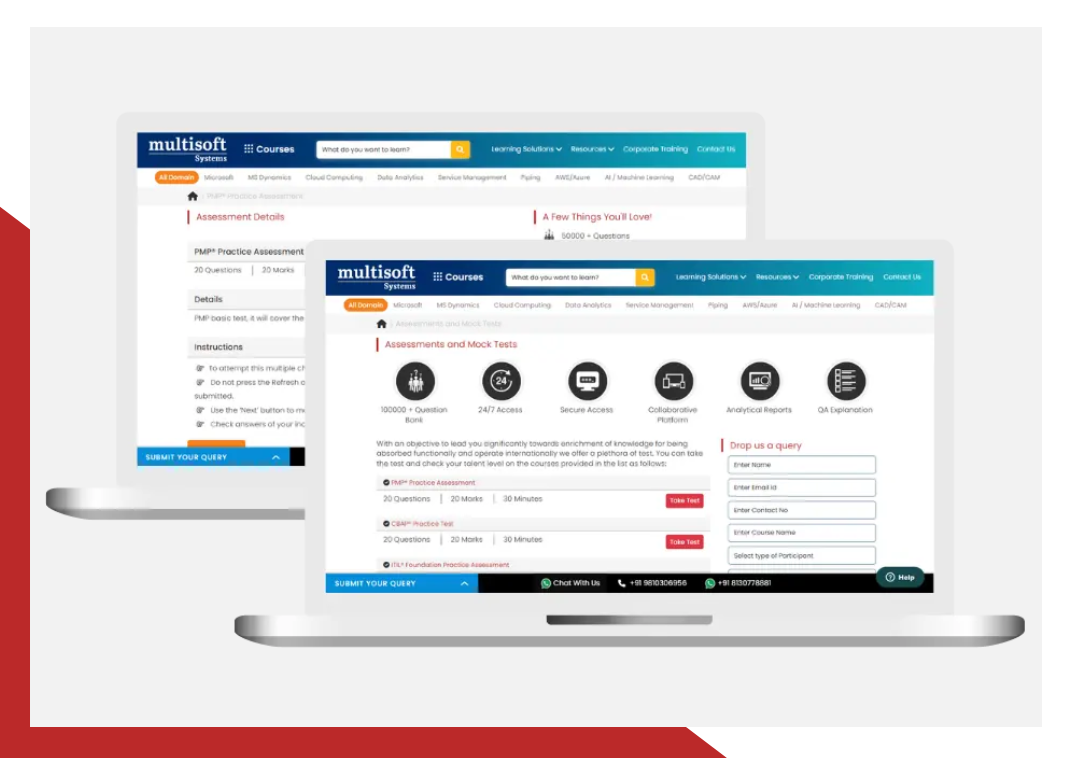
Essential Tools and Resources to Enhance Your Skills and Boost Professional Growth
What Attendees are Saying
Our clients love working with us! They appreciate our expertise, excellent communication, and exceptional results. Trustworthy partners for business success.
Share Feedback
Upgrade Your Work Force with Multisoft : Upgrade your team's skills with cutting-edge technology training
 Download Brochure