 1K+ Reviews
Instructor-Led Training Parameters
Course Highlights
- Instructor-led Online Training
- Project Based Learning
- Certified & Experienced Trainers
- Course Completion Certificate
- Lifetime e-Learning Access
- 24x7 After Training Support
VRay Training Course Overview
VRay training imparts the skills required to work in a visualization industry. The expert trainers here follow step by step approach in the modeling, texturing, lighting and rendering processes required to create photorealistic architecture visualization. The major features of this 3D rendering software are explained through a perfect blend of concept, optimized quality, and troubleshoot any scene. Participants learn how to efficiently incorporate the task of rendering within the existing and new workflows.
By the completion of the training you will inculcate the following skills:
- Installing and locating VRay tools and features
- Understanding VRay concepts
- Adding different lighting effects to create beautiful finished images
- Applying Global Illumination (GI) to create realistic looking lighting for a scene
- Using VRay materials to create translucency effect
- Using progressive Image Sampler
- Working with VRaySun and VRaySky
- Creating Stereoscopic 3D rendering
- Working with cameras and post-lighting a scene
- Optimizing fur and blur effects
- Demonstrating the VRay RT(real time) workflow
- Architects
- Interior designers
- Game developers
- Graphics designers
Fundamental level of knowledge and working experience on 3ds Max and Photoshop is required to undergo VRay training.
Instructor-led Training Live Online Classes
Suitable batches for you
| May, 2026 | Weekdays | Mon-Fri | Enquire Now |
| Weekend | Sat-Sun | Enquire Now | |
| Jun, 2026 | Weekdays | Mon-Fri | Enquire Now |
| Weekend | Sat-Sun | Enquire Now |
VRay Training Course Content
1. Getting Ready to Render with V-Ray
- Installing V-Ray
- Setting up V-Ray
- Locating V-Ray's tools and features
- V-Ray's image-saving options
2. Critical V-Ray Concepts
- Image sampling explained
- Understanding subdivs
- Using the DMC Sampler
- Overview of color mapping
- Understanding the color-mapping modes
3. Key Lighting Tools
- Introduction to lighting in V-Ray
- Dealing with lighting problems
- Adding a spherical fill light
- Creating a mesh light
- Creating a skylight effect
- Working with the dome light
4. Global Illumination
- Global illumination (GI) explained
- Understanding primary and secondary bounces
- How irradiance mapping works
- Using irradiance mapping, part 1
- Using irradiance mapping, part 2
- How light cache works
- Using light cache
- Understanding brute force GI
- Using brute force GI
5. The V-Ray Materials
- Introduction to V-Ray-specific materials
- Creating a diffuse color
- Making reflective materials
- Blurring reflections
- Making clear and colored glass
- Creating a translucency effect
6. Quality Control with Image Sampling
- Introduction to image sampling
- Using the Fixed-Rate sampler
- How to use the Adaptive DMC sampler
- Working with the Adaptive Subdivision sampler
- Comparing image-sampling renders
7. The Physical Workflow
- The physical workflow explained
- Working with VRaySun and VRaySky
- Controlling the VRayPhysicalCamera
8. V-Ray's Effects Tools
- Depth of field: VRayPhysicalCamera
- Depth of field: using a perspective viewport
- Creating a motion blur effect
- Generating caustic effects
- Using VRayFur
- Stereoscopic 3D rendering
9. Using Render Elements
- Render elements workflow
- Preparing to composite
- Compositing V-Ray elements
- Putting extra elements to work
- Post-lighting a scene
10. V-Ray RT
- Overview of V-Ray RT
- Demonstrating the RT workflow
- Conclusion
Request for Enquiry
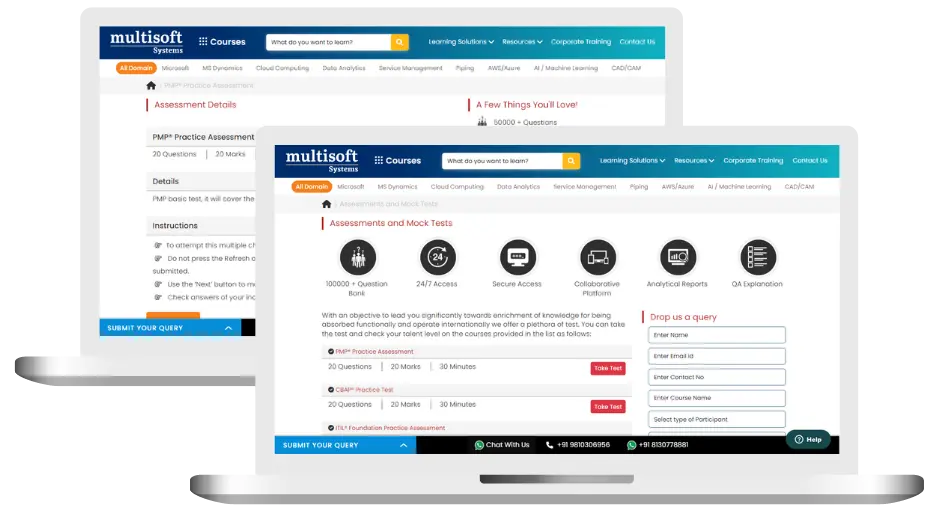
VRay Training (MCQ) Assessment
This assessment tests understanding of course content through MCQ and short answers, analytical thinking, problem-solving abilities, and effective communication of ideas. Some Multisoft Assessment Features :
- User-friendly interface for easy navigation
- Secure login and authentication measures to protect data
- Automated scoring and grading to save time
- Time limits and countdown timers to manage duration.
VRay Corporate Training
Employee training and development programs are essential to the success of businesses worldwide. With our best-in-class corporate trainings you can enhance employee productivity and increase efficiency of your organization. Created by global subject matter experts, we offer highest quality content that are tailored to match your company’s learning goals and budget.
Global Clients



Customized Training
Be it schedule, duration or course material, you can entirely customize the trainings depending on the learning requirements
Expert
Mentors
Be it schedule, duration or course material, you can entirely customize the trainings depending on the learning requirements
360º Learning Solution
Be it schedule, duration or course material, you can entirely customize the trainings depending on the learning requirements
Learning Assessment
Be it schedule, duration or course material, you can entirely customize the trainings depending on the learning requirements
 Zoom-in
Certification Training Achievements: Recognizing Professional Expertise
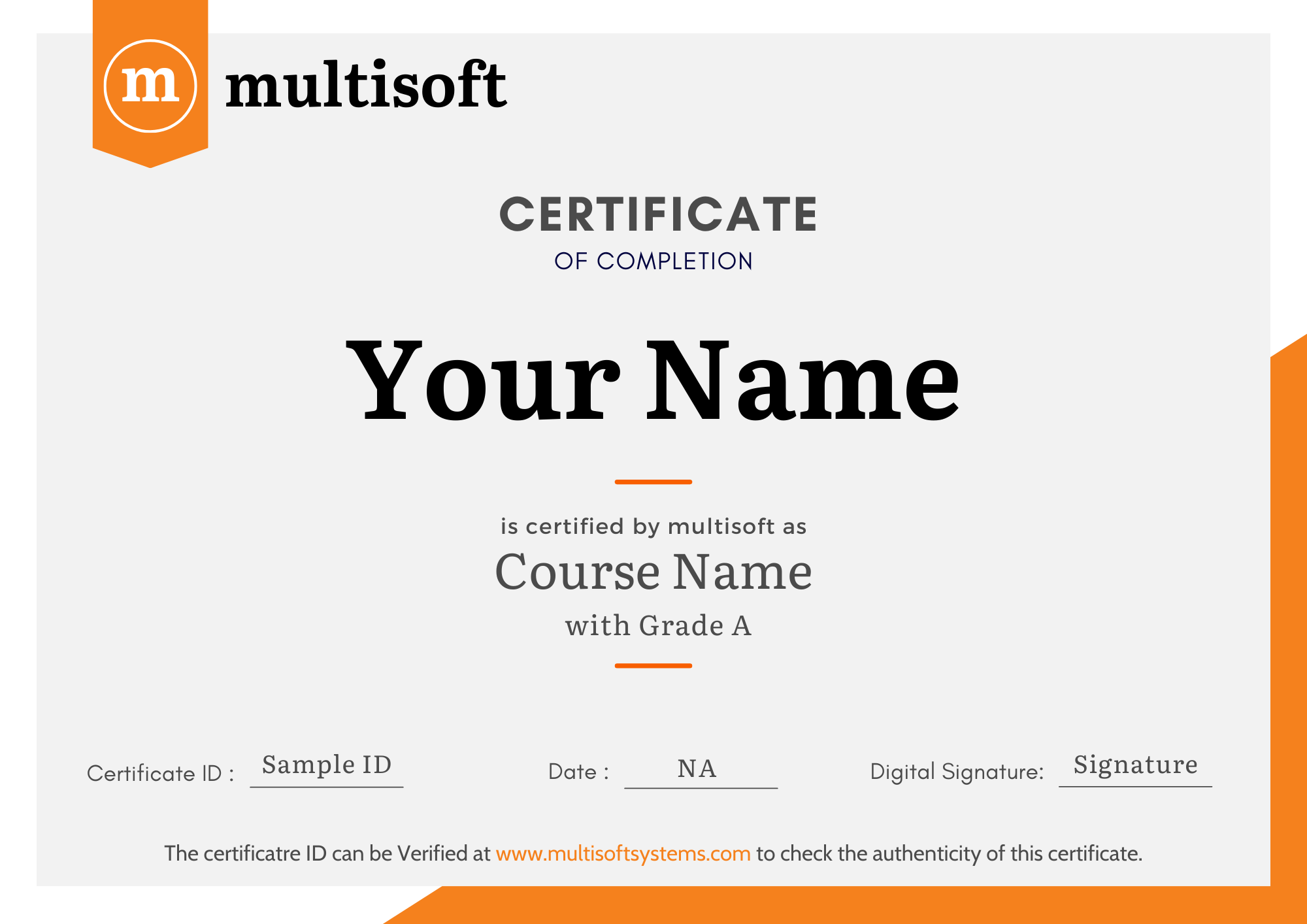
Multisoft Systems is the “one-top learning platform” for everyone. Get trained with certified industry experts and receive a globally-recognized training certificate. Some Multisoft Training Certificate Features :
- Globally recognized certificate
- Course ID & Course Name
- Certificate with Date of Issuance
- Name and Digital Signature of the Awardee
VRay Training Trainer Profile
19+ Years Experienced
Our VRay Corporate & Certification Program trainers bring 13+ years of proven industry expertise, delivering practical insights aligned with real project environments.
Trained 3950+ Professionals
Our expert trainers have successfully trained 3350+ professionals through structured, real-time training programs designed for industry readiness and career growth.
Certified Experts & Real-Time Project Learning
Build strong practical skills through live project-based training sessions led by certified industry experts with real-world experience.
Hands-on Learning Approach
Gain practical exposure through real-time scenarios, industry case studies, and hands-on assignments that simulate actual project challenges.
Certification Training Guidance
Receive expert support to prepare effectively, practice strategically, and confidently achieve globally recognized certification success.
Customized Training Delivery
Flexible training approach tailored to individual learning goals, skill levels, and evolving industry requirements for maximum effectiveness.
What Attendees are Saying
Our clients love working with us! They appreciate our expertise, excellent communication, and exceptional results. Trustworthy partners for business success.
Share Feedback Download Curriculum



